Viewer status
HelloScreen shows you when your client has joined and exactly what they can see, so you never have to ask "can you see my screen?"
Viewer count
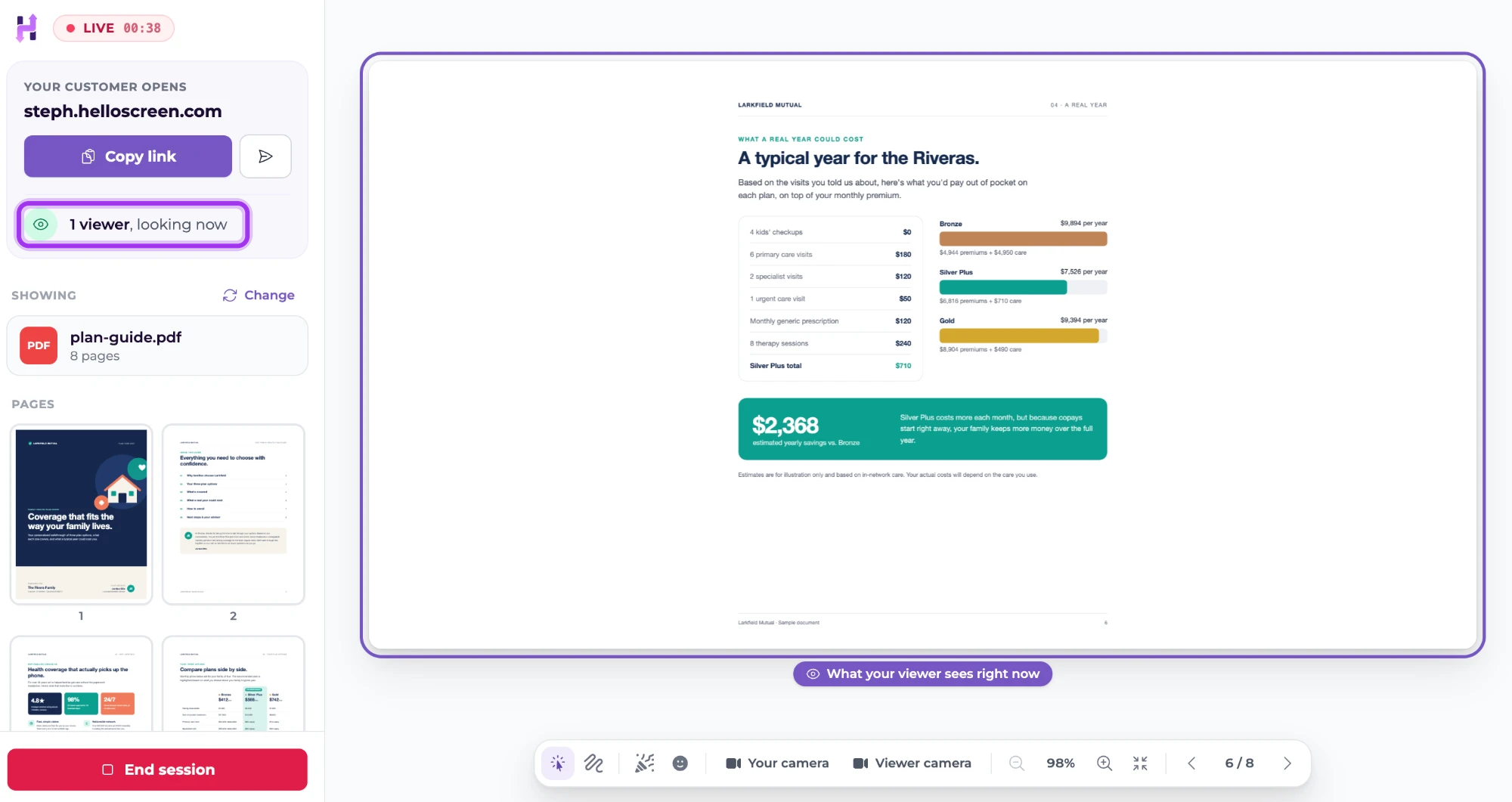
At the top left of a live session, you'll see:
- Waiting for someone to open your link… until your client joins
- 1 viewer, looking now as soon as they open it
If more than one person opens your link, the count goes up.
How long you've been live
LIVE, at the very top left, shows how long the session has been running.
What your client can see
A purple outline marked What your viewer sees right now goes around the part of your screen you're sharing, so you always know what's in front of your client.