Video
You can add video to any session without switching to a separate video call app. Your client doesn't need to turn on their camera for yours to work.
Show your face
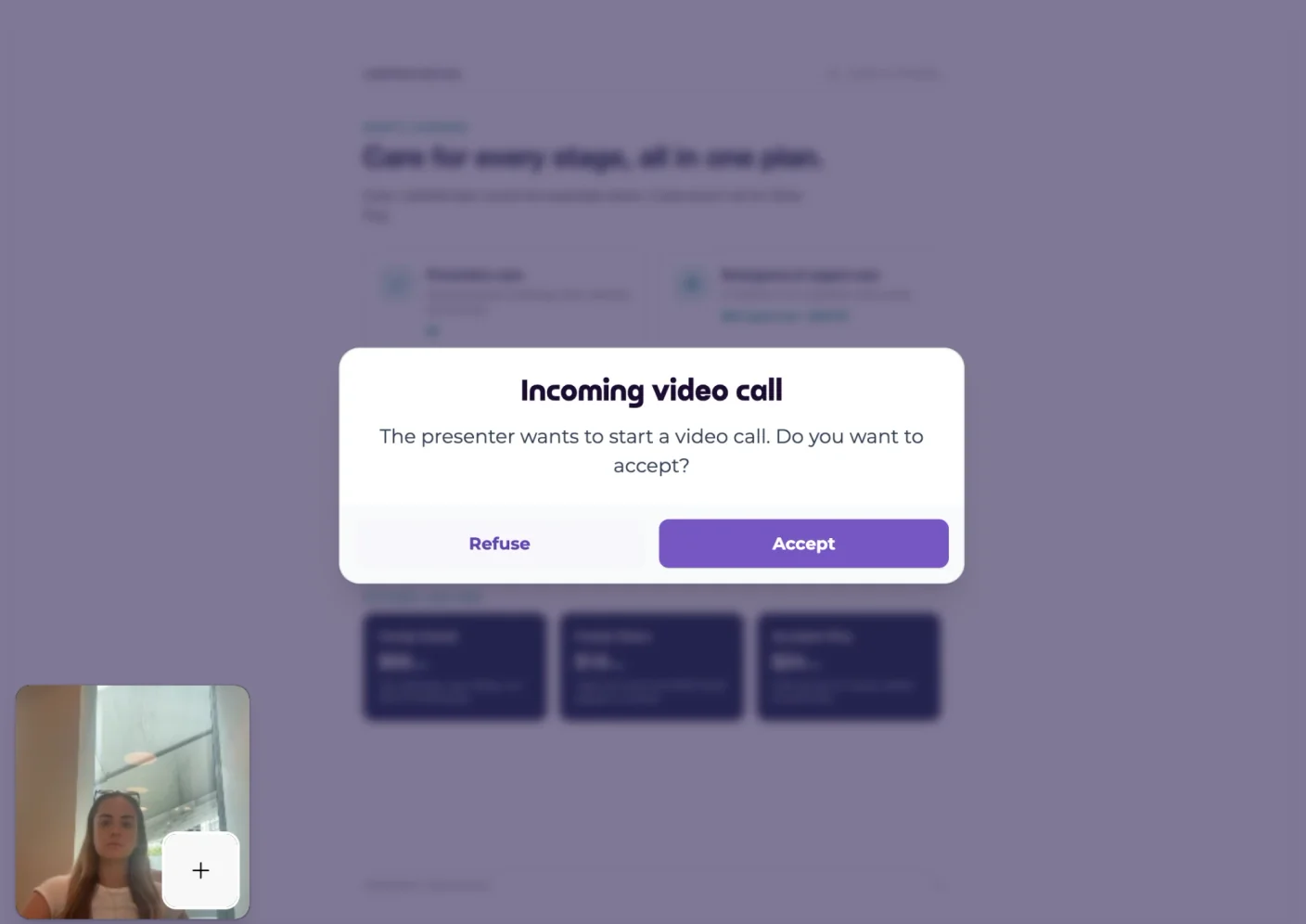
Click Your camera on the toolbar to show yourself in a small window in the corner of your client's screen. Putting a face to the voice helps build trust, especially with someone you've never met.
Ask to see your client
Click Viewer camera if you'd also like to see your client. They get a pop-up asking if they want to start a video call, and they choose Accept or Refuse.
Their camera stays off unless they accept. If they refuse, the session carries on as normal, and they can still see you on your camera.